Managing Community Members, Roles, and Membership Status
Understand creator and member roles, review membership statuses, manage your member list, and learn about the Free plan's 25-member cap.
Every Berrytap community has two types of people: the creator who built and runs it, and the members who joined to learn and connect. Understanding how roles and membership statuses work helps you manage your community with confidence and stay on top of any access or billing issues that come up.
A single Berrytap user can be a member of multiple communities at the same time. Their profile, points, and level are tracked separately within each community they belong to.
Member roles
| Role | What they can do |
|---|---|
| Creator | Owns the community; full admin access — create courses, manage the feed, view analytics, manage members, configure settings and billing |
| Member | Joined via a subscription or one-time payment; can post, comment, react, RSVP to events, and access courses they're eligible for |
Each community has exactly one creator. There is no co-admin or moderator role — all moderation powers belong to the creator.
Members see a simpler view of the same roster, with each member's level badge:
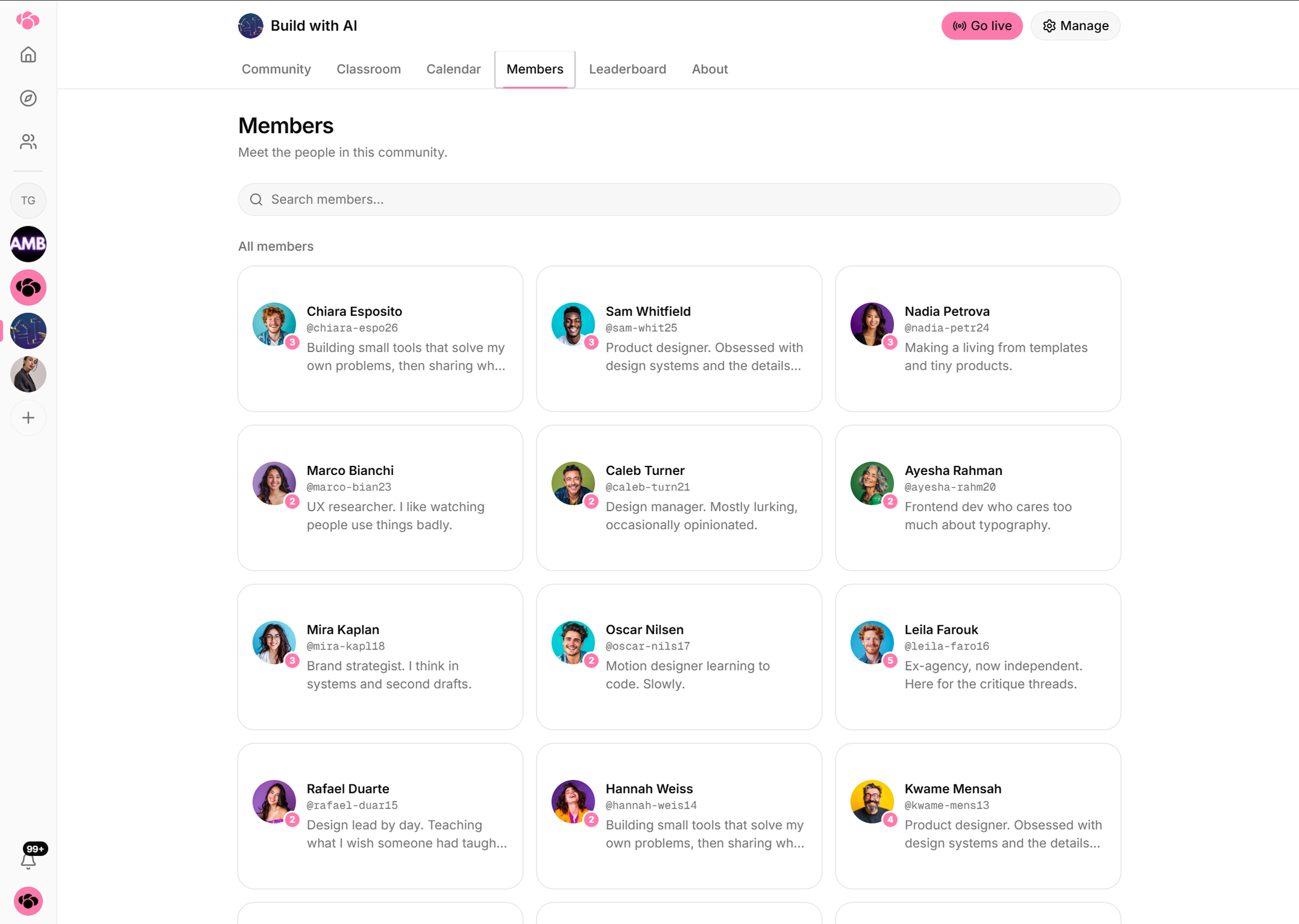
Member list
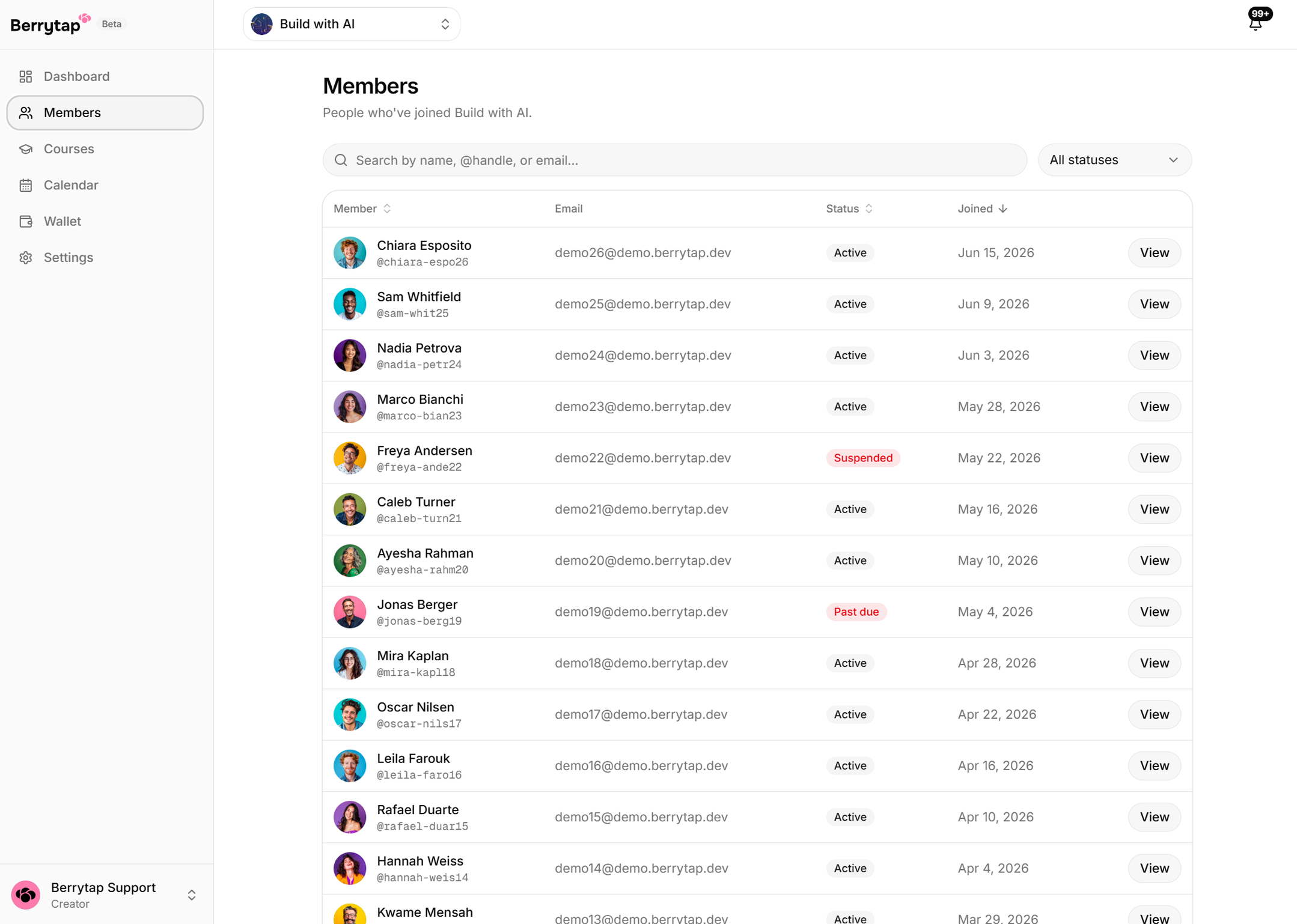
View and manage all your members from Dashboard → Members. For each member you can see:
- Name and profile photo
- Join date — when they first became an active member
- Subscription status — their current billing state (see the table below)
- Email address — for direct contact outside of Berrytap
You can search and filter the member list by status to quickly find, for example, all members who are past due.
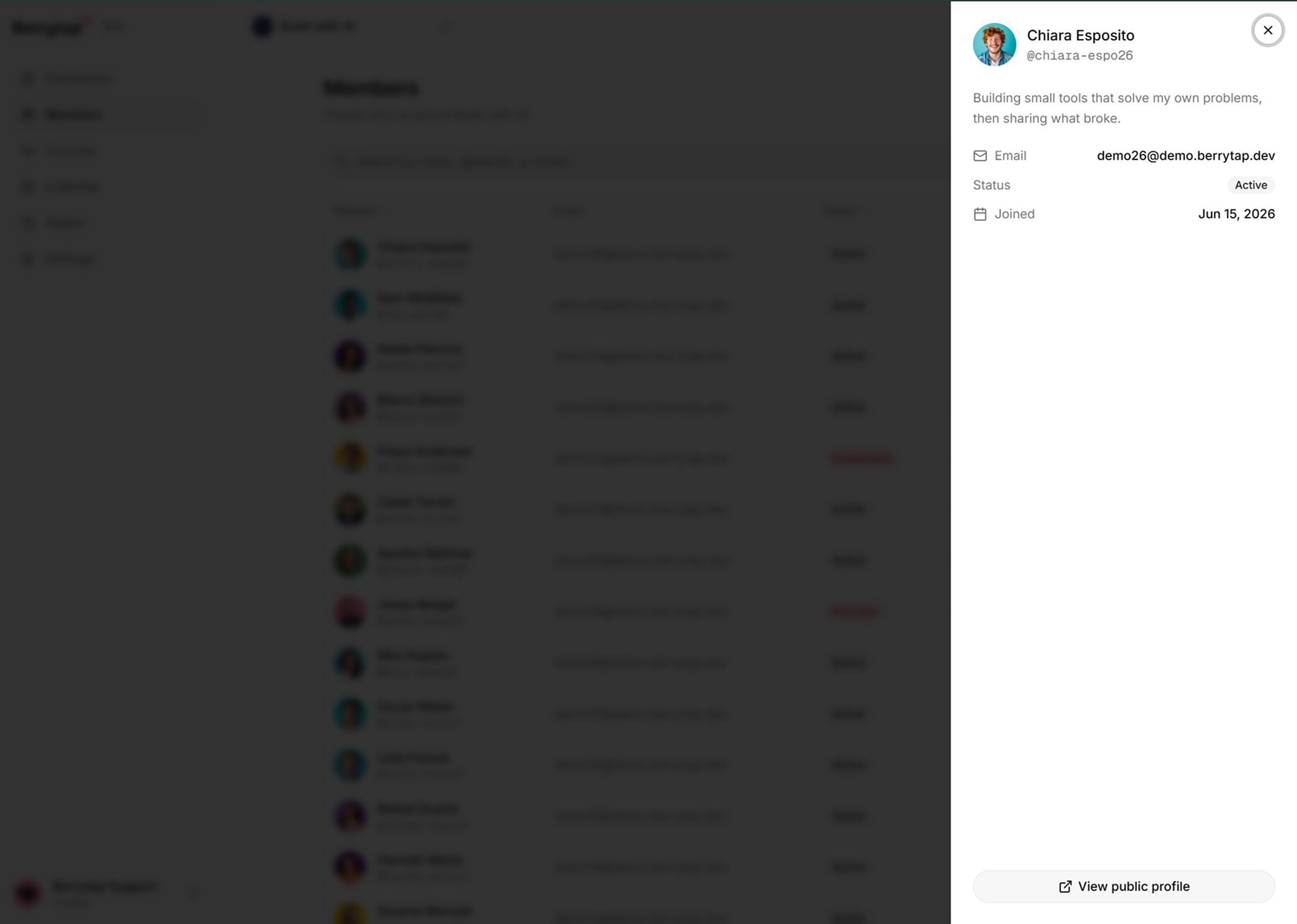
Selecting a member opens their detail view, with their full billing history and the actions available on that membership.
Membership statuses
| Status | What it means | Community access? |
|---|---|---|
| Active | Subscription is current and in good standing | ✅ Full access |
| Past due | Invoice is overdue; member is in the grace period while Berrytap retries payment | ✅ Access during grace period |
| Suspended | Grace period ended without successful payment; access has been automatically removed | ❌ No access |
| Canceled | Member voluntarily canceled their subscription | ❌ No access after billing period ends |
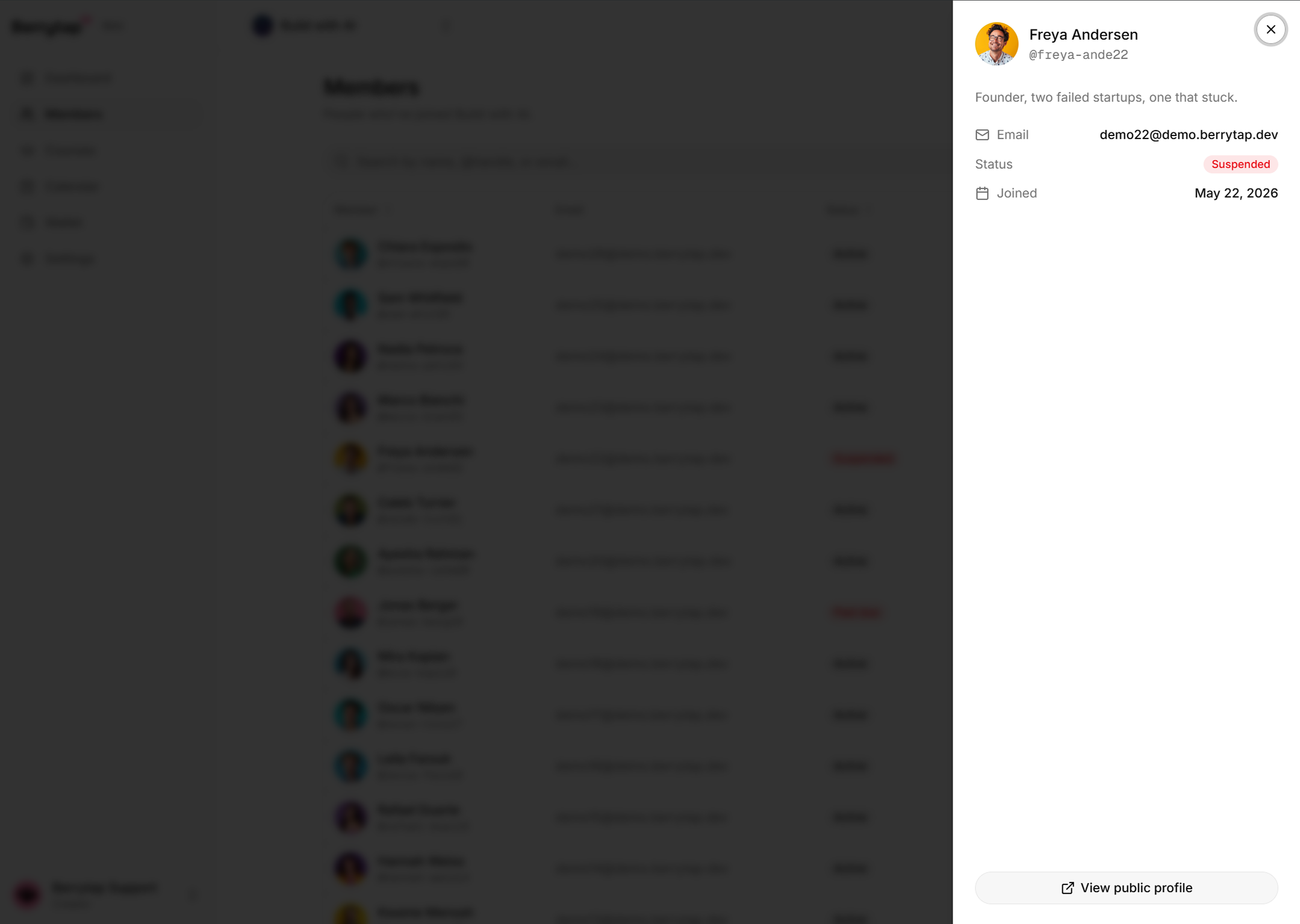
Members with a suspended status can regain access by updating their payment method and settling the outstanding invoice. Members who canceled must re-subscribe at the current price.
Removing a member
You can manually remove or cancel a member at any time from the member list.
- Go to Dashboard → Members.
- Find the member you want to remove.
- Open their options menu (three-dot icon) and choose Cancel subscription or Remove member.
| Action | What happens |
|---|---|
| Cancel subscription | Subscription is canceled; the member keeps access until the end of the current billing period |
| Remove member | Member is removed immediately and loses all community access right away |
Removed members are not notified through an automated Berrytap message, but they will no longer be able to access your community URL.
Member cap on Free plan
If your creator account is on the Free plan, your community is limited to 25 active members at any time.
- When the 25-member cap is reached, the 26th person who tries to join will be blocked — they'll see a message indicating the community is full.
- Existing members are never removed if you downgrade from a paid plan to Free. However, if your active member count is already above 25 when you downgrade, no new members can join until the count falls back under the cap.
- Upgrading to the Growth or Scale plan removes the member cap entirely.